Birch AI · Routines
Put repeated ad ops tasks on a schedule
Schedule launches, analytics, rules health checks and more with Routines
Works for:
Turn the task you repeat into a routine
A Routine is a saved Birch AI task that runs on a schedule or on demand



Start from a template built for ad ops
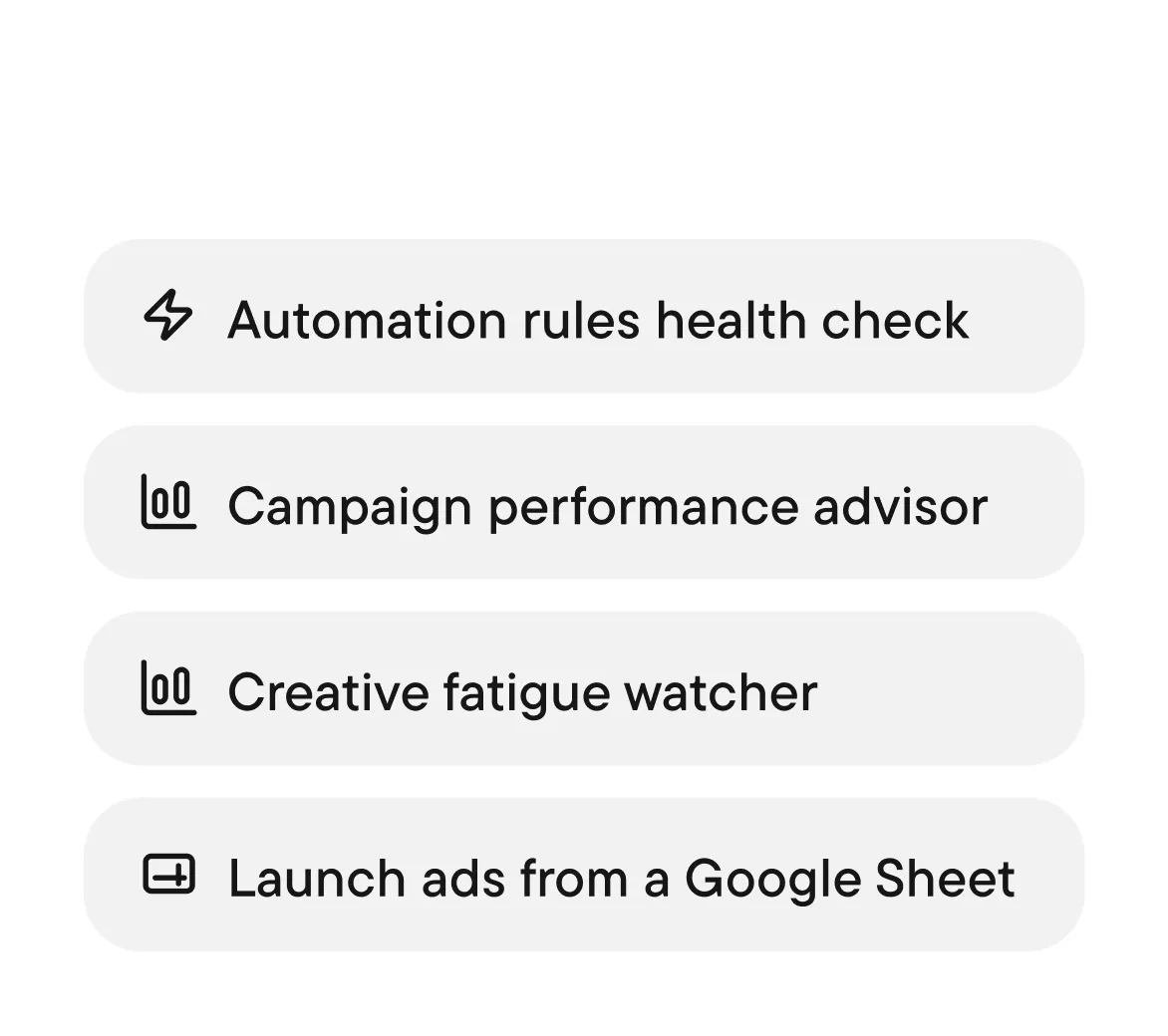
Four ready-made Routines for the reviews, checks and launches you repeat every week
Get an automated performance report before your first coffee
Get an automated performance report on your account or on specific campaigns, read against your goals, ready when your day starts.
Catch creative fatigue before it costs you
Birch checks your active Meta ads for fatigue, ranks the worst and tells you what to replace. Add replacements to your sheet, and the next scheduled launch picks them up. This Routine is read-only. It uses Meta’s fatigue score, so connect Meta MCP in Birch first.
Run ads audit every week
A scheduled Facebook ads audit for your automation. Birch reviews your rules and their logs. It finds rules that are failing, disabled, no longer firing or conflicting, then gives you priority findings and what to change. It reports only and never changes your rules.
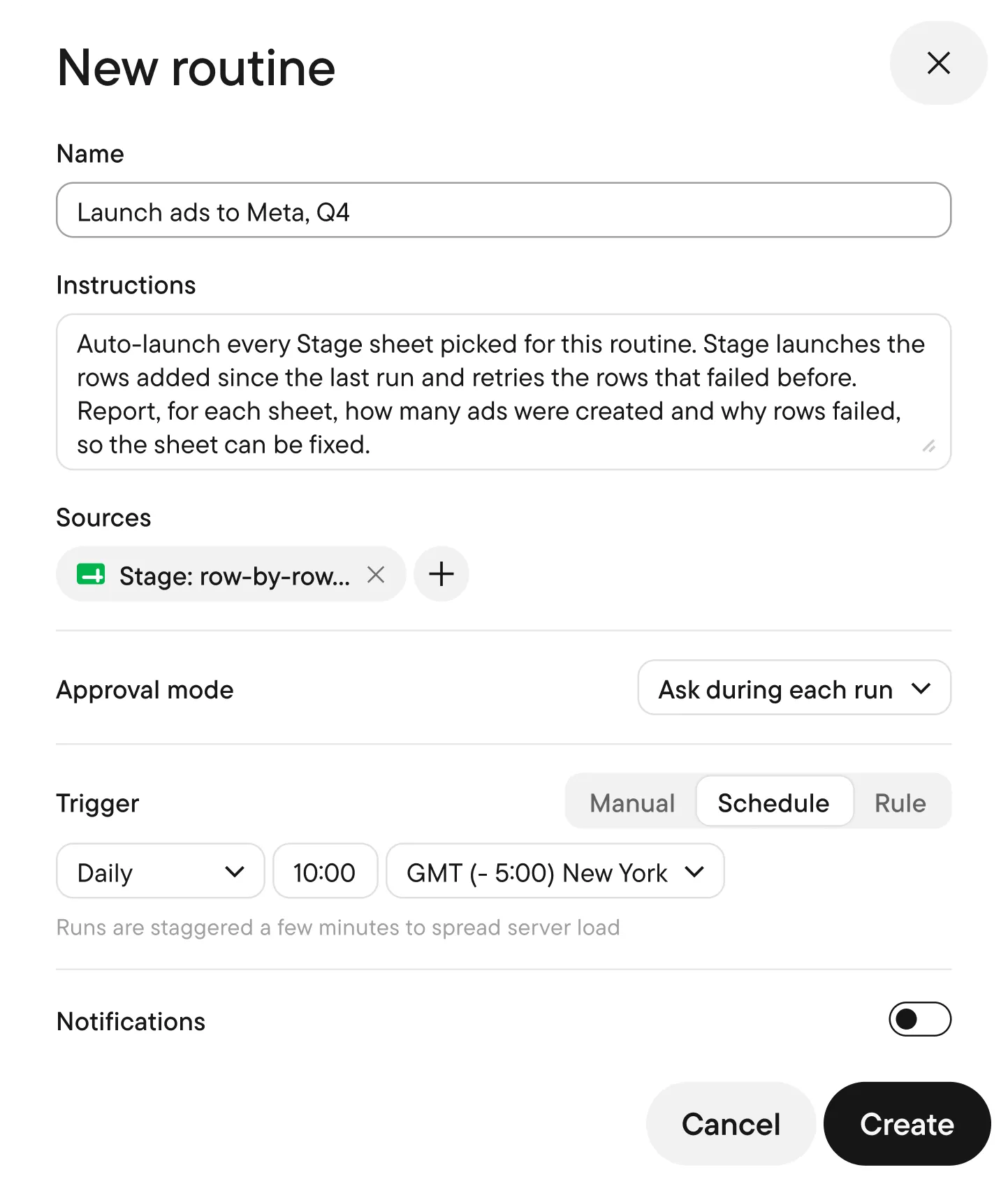
Schedule your next launch from a Google Sheet
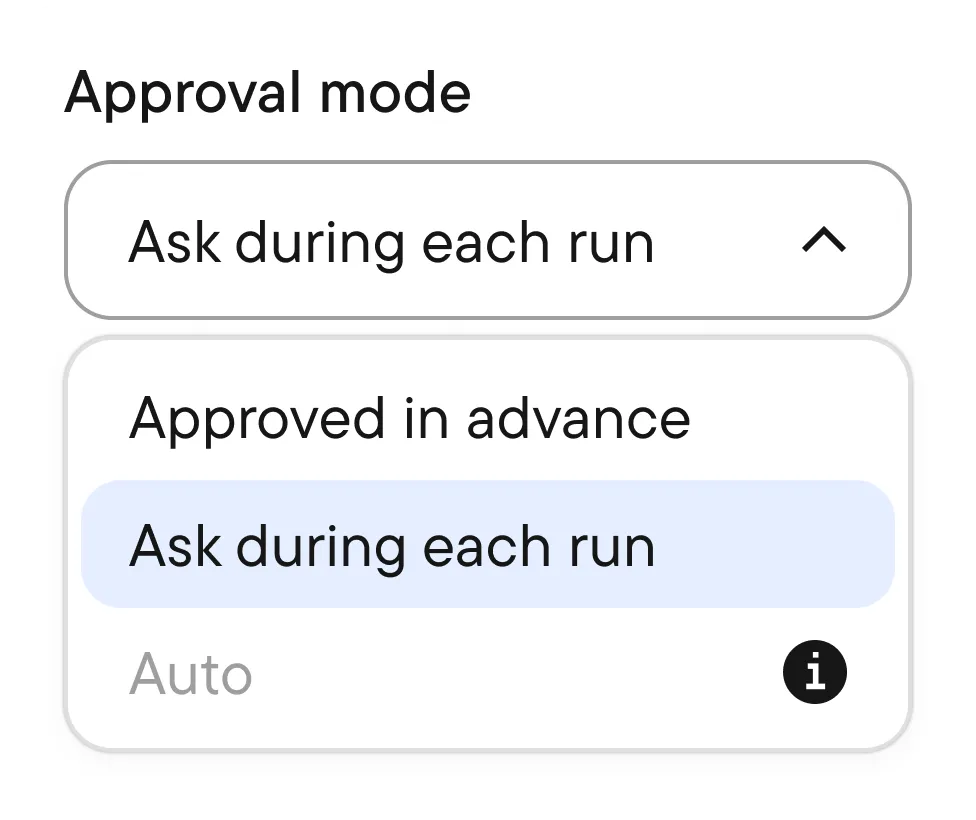
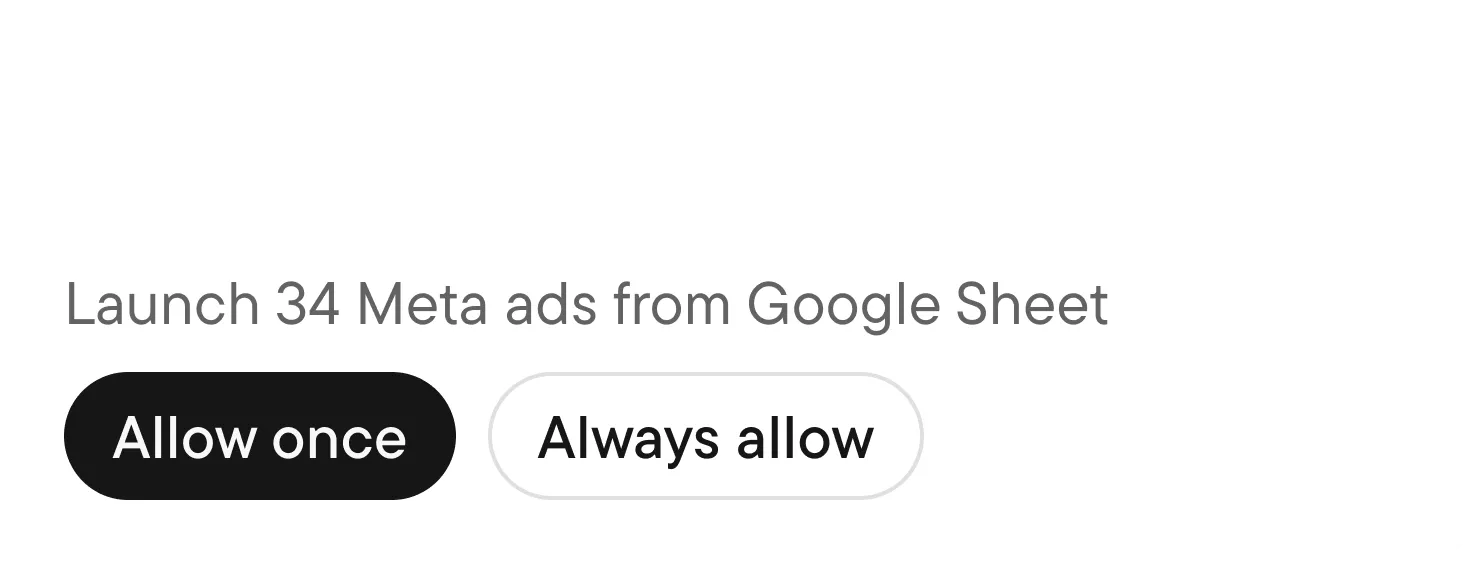
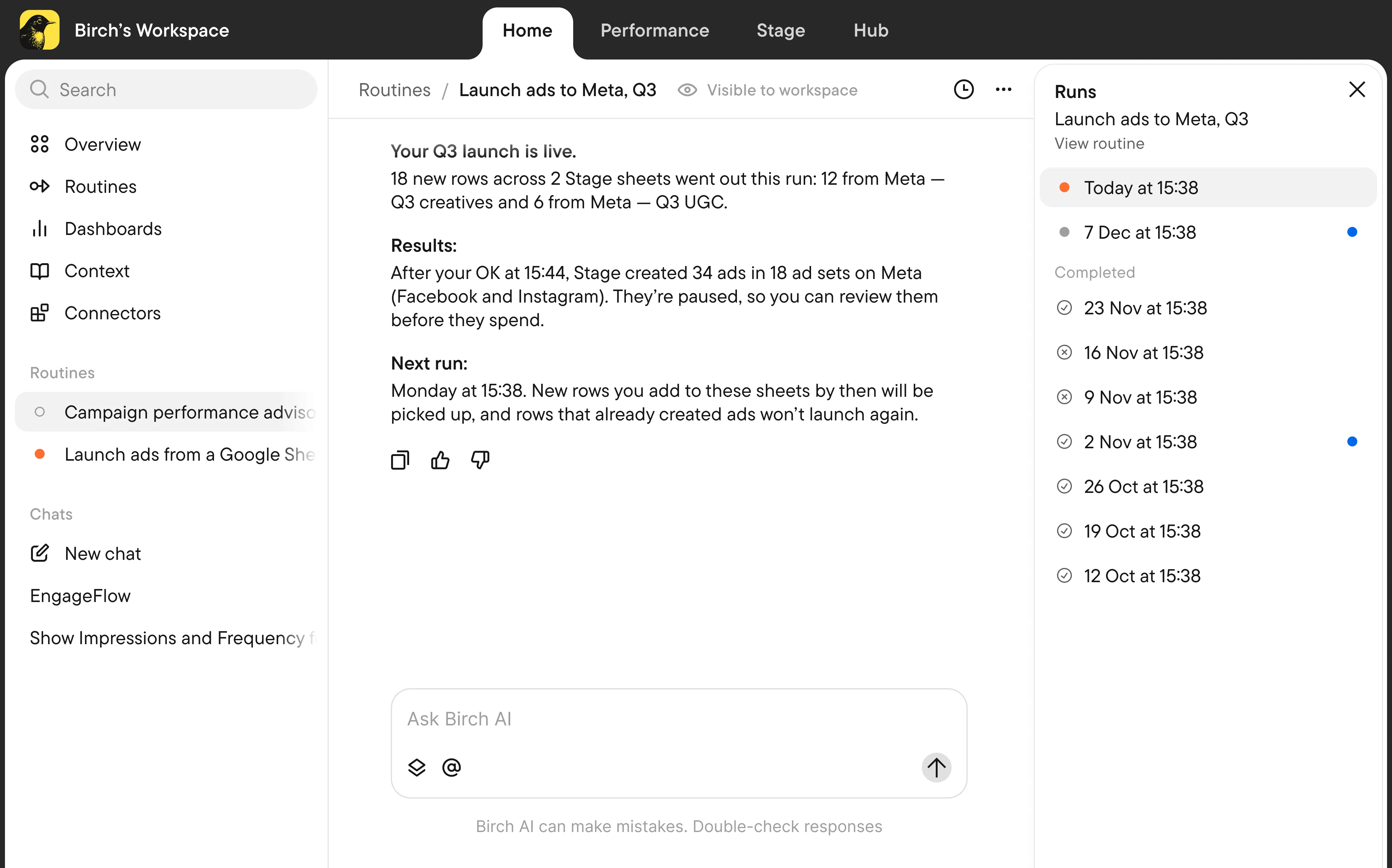
Add rows to your Stage sheet and Birch picks them up on every run. It prepares the launch, asks for your OK on each sheet, and never relaunches a row that already created ads.
Or schedule your custom Routine
with connectors
Analytics and mobile attribution (MMP)
- Amplitude
- Mixpanel
- PostHog
- AppsFlyer
- Adjust
- Singular
- Triple Whale
Data, CRM and commerce
- Supermetrics
- Airtable
- Stripe
- Pipedrive
- Close
Email and engagement
- Klaviyo
- Braze
- Customer.io
- Mailchimp
- Intercom
Work and knowledge
- Linear
- Atlassian
- Trello
- Notion
Ad platforms and SEO
- Taboola
- Semrush
How Birch Routines compare to Claude scheduled tasks
Both run a saved prompt on a schedule and can do this unattended. The difference is scope. Claude is a general-purpose agent that reaches your tools through connectors. A Routine runs inside Birch and calls Birch’s own tools on your ad data.
| Step |
 ClaudeScheduled tasks |
 BirchRoutines |
|---|---|---|
| Map columns | Write a prompt that maps sheet columns to each platform’s ad fields.Note: the fields differ, e.g. TikTok has no headline and Snapchat has no primary text. | Columns are automapped to each platform’s fields. |
| Set up | Connect an ad platform’s MCP connector that can create ads, and describe in your prompt what to launch. | Connect your Google Sheet to Stage in Row-by-row mode, one sheet per platform. |
| Schedule | Save the prompt as a scheduled task in Claude (hourly, daily, weekdays or weekly). | Click Set up routine and pick the schedule (hourly, daily, weekdays or weekly). |
| How rows are picked | You track which rows already launched, and note this in your prompts. Runs don’t remember earlier runs. A common workaround is a “launched” column that the prompt writes back. | Each run picks new rows and rows that failed without creating ads. Rows that already created ads are skipped. After your OK, Stage creates the ads on Meta (Facebook and Instagram), TikTok or Snapchat. |
| Step |
ClaudeScheduled tasks
|
BirchRoutines
|
|---|---|---|
| Set up | Connect a reporting connector for each ad platform, such as Meta’s Ads connector. | Pick a template, edit it, or write your own prompt. Ad accounts are already connected to Birch. |
| Schedule | Save a prompt like “every weekday, review yesterday’s spend and CPA by campaign” as a scheduled task. | Hourly, daily, weekdays or weekly. |
| Custom metrics | If you use custom or attribution metrics, they need their own source. | Included if connected to Birch. |
| Results | A Cowork session per run. Claude sees only the metrics each connector exposes. | In a Birch AI chat conversation. Ask follow-up questions. |
| Step |
ClaudeScheduled tasks
|
BirchRoutines
|
|---|---|---|
| Set up | Connect Birch MCP to read your Birch rules and logs. | Start from the Rules health check template, or create your own. |
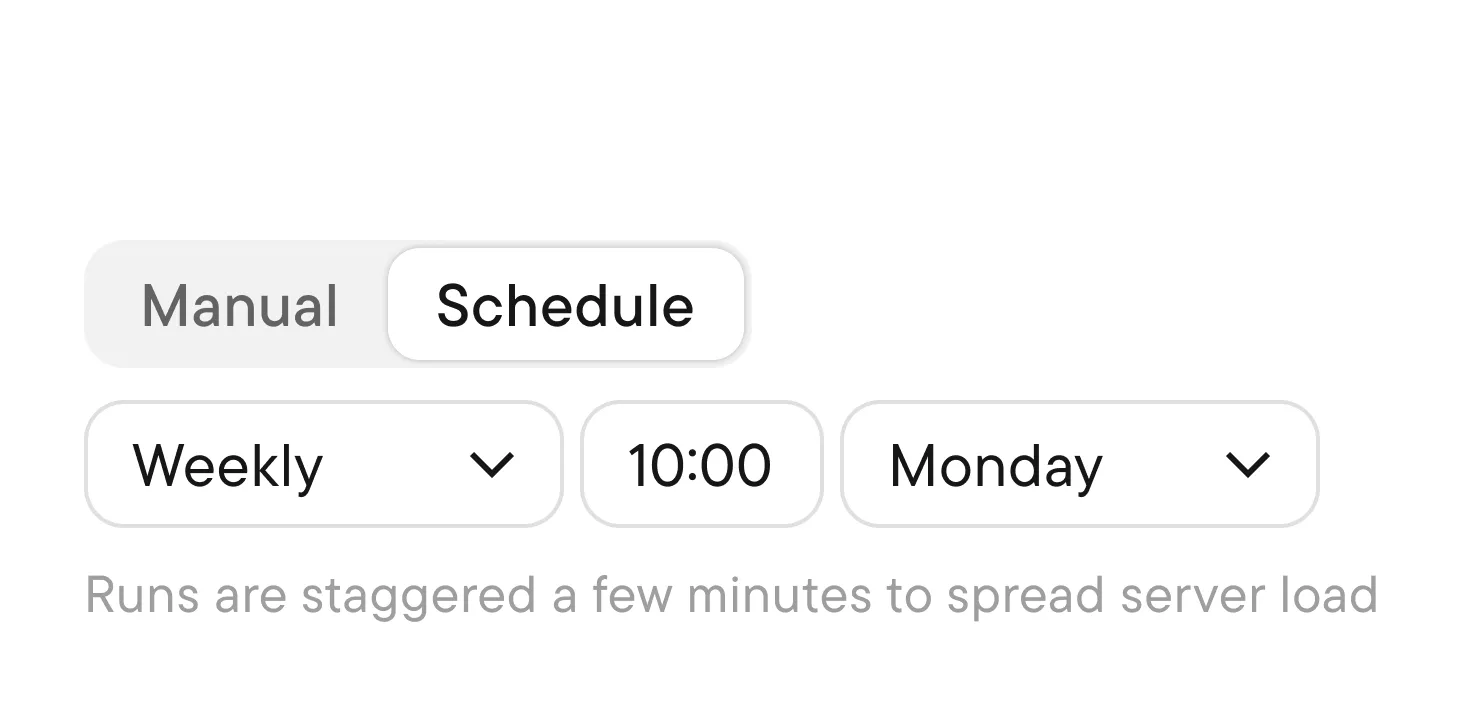
| Schedule | Save a prompt like “every Monday, find failing, silent or conflicting rules” as a scheduled task. | For example, weekly on Mondays. |
| Results | Claude reads rule setups and logs and reports back. Birch MCP has no performance metrics, so it can’t tie a rule to its effect on ROAS. Add a reporting connector for that. | In a Birch AI chat. Works for Rules on Meta and TikTok, custom metrics included. |
| Step |
ClaudeScheduled tasks
|
BirchRoutines
|
|---|---|---|
| Connect ad accounts | Add a connector per ad platform (Meta Ads, TikTok Ads and others where available) → sign in to each. Each connector sets what Claude can read or change, and coverage differs by platform. | Uses the Meta, TikTok, Snapchat and Google Ads accounts already connected to Birch → you pick which ones a Routine covers. |
| Step |
ClaudeScheduled tasks
|
BirchRoutines
|
|---|---|---|
| Ad platform API changes | A platform changes its API or ad fields → you update the prompt or connector setup. A broken step may only show up as a failed or incomplete run. | A platform changes its API → Birch updates its Meta, TikTok, Snapchat and Google Ads integrations → your Routines keep running unchanged. |
FAQ
What are Birch Routines?
Routines are scheduled AI tasks for your ad accounts. You save a Birch AI prompt or pick a template, then set it to run hourly, daily, on weekdays, weekly, or only when you click Run now. You can schedule launches, analytics, health checks, and more. Each run reports back in a chat you can continue.
How do I automate Facebook ads reporting?
Start from the Campaign performance advisor template and set it to run daily or on weekdays. Birch reviews your Meta account or chosen campaigns against your goals and posts the findings in a chat. Turn on notifications to know when each report is ready.
What is creative fatigue, and how do I fix it?
Creative fatigue is when an audience has seen an ad so often that it stops responding. CTR drops while frequency and cost per result climb. The fix is to refresh or rotate the creative before performance slides. The Creative fatigue watcher checks your active Meta ads on a schedule, ranks the most fatigued and tells you what to replace.
How do I run a Facebook ads audit automatically?
Schedule the Rules health check. Every run, Birch reviews your rules and their logs and finds rules that are failing, disabled, no longer firing or conflicting. You get priority findings and what to change. It reports only and never changes your rules. It works on Meta (rules, logs and draft rules) and TikTok (rules and draft rules).
Can I launch Meta, TikTok and Snapchat ads from a Google Sheet automatically?
Yes, on a schedule. Pick your Stage sheets and Birch prepares new rows on every run, plus rows that failed without creating ads. Each launch waits for your OK. A row that already created ads is never launched again.
Is Birch an AI media buyer?
Routines take on the repetitive parts of media buying: daily reviews, fatigue checks, rules audits and trafficking. You keep the decisions. Birch shows its findings and waits for your OK where you want it to.
How is this different from scheduling tasks in Claude or ChatGPT?
General AI assistants can run scheduled prompts, too. Birch Routines come with templates built for ad ops, run on your Birch data and rules, and include a launch flow from Google Sheets with duplicate protection and approval on every launch.
Which plans include Routines?
Routines are available to all Birch users. Routines that use Rules need a plan that includes Rules. Essential users see an upgrade prompt for those. Start with a 14-day free trial, no credit card required.
Can I edit a template or build my own Routine?
Yes. Edit any template’s instructions, or schedule any prompt you already use in Birch AI, on any platform Birch AI supports.