
Built for the way you launch
From new creative tests to refreshing your winners
Plan for one account or many
NEW
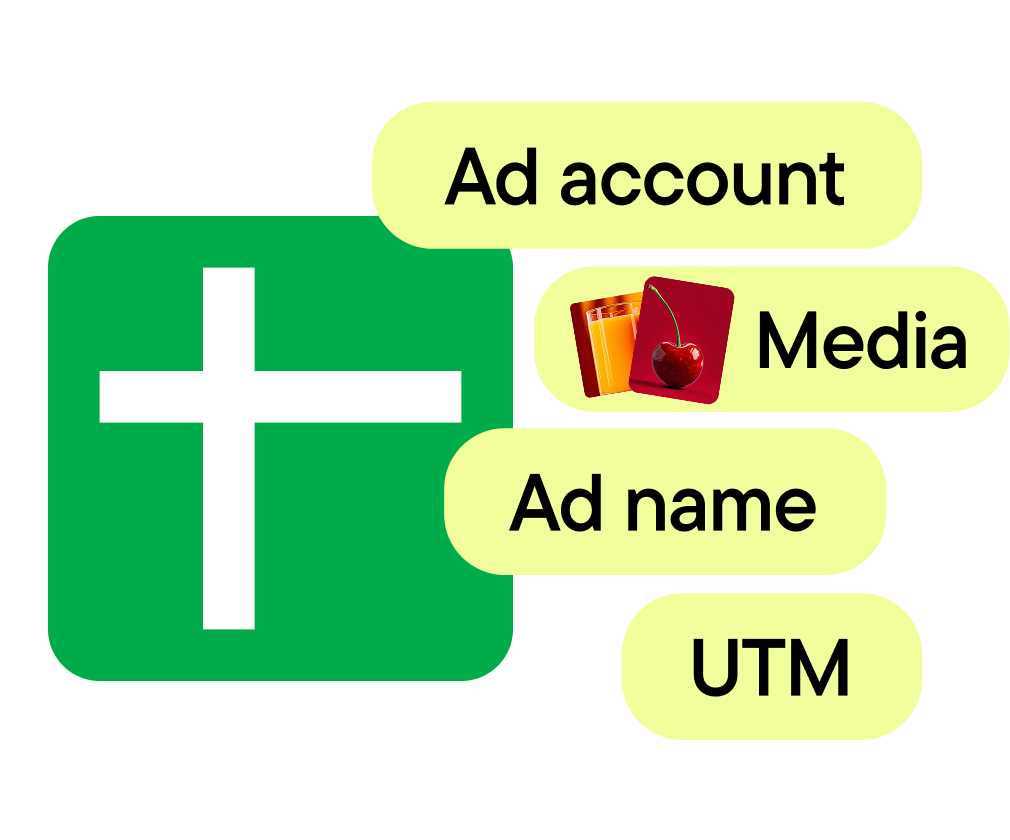
Rows become ads. Send the whole sheet to one campaign, or let each row set its own ad account and template to launch across markets in one run.
Test using
proven setups
Use Stage to duplicate a successful ad set and swap in new creative, or create one ad set per asset to test each in isolation.
Your folders map to your live tests
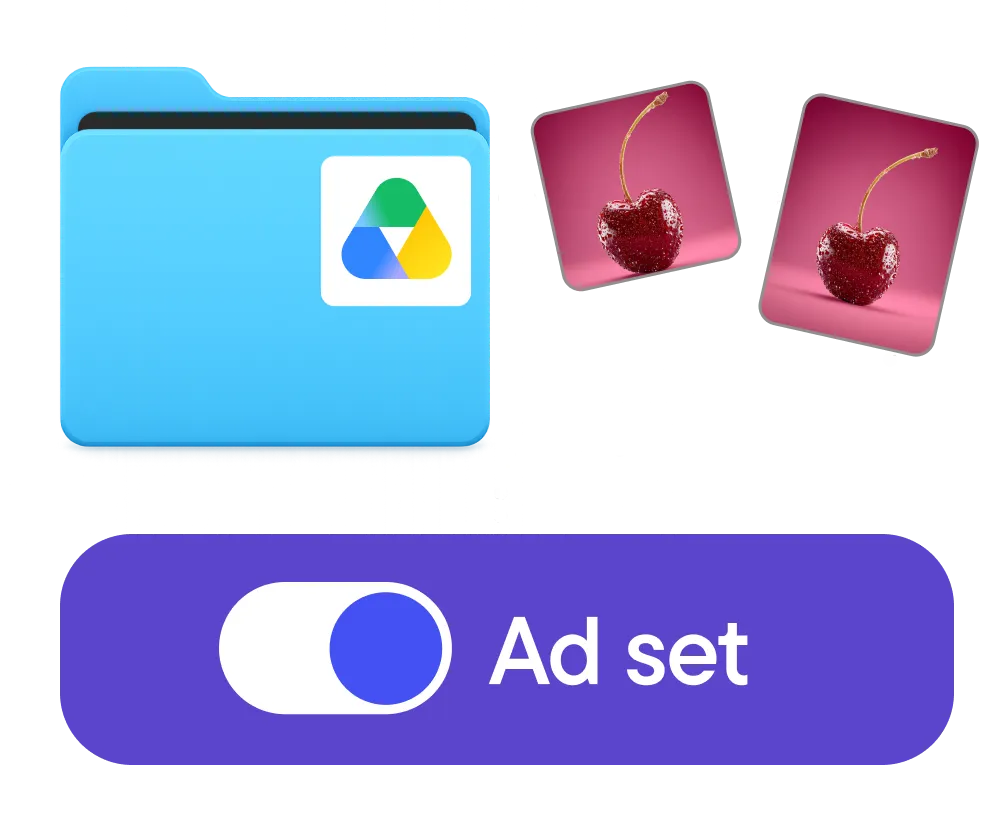
Stage builds one ad set per folder and groups media by placement. Your test structure mirrors how you organize Google Drive.
Refresh your
steady performer
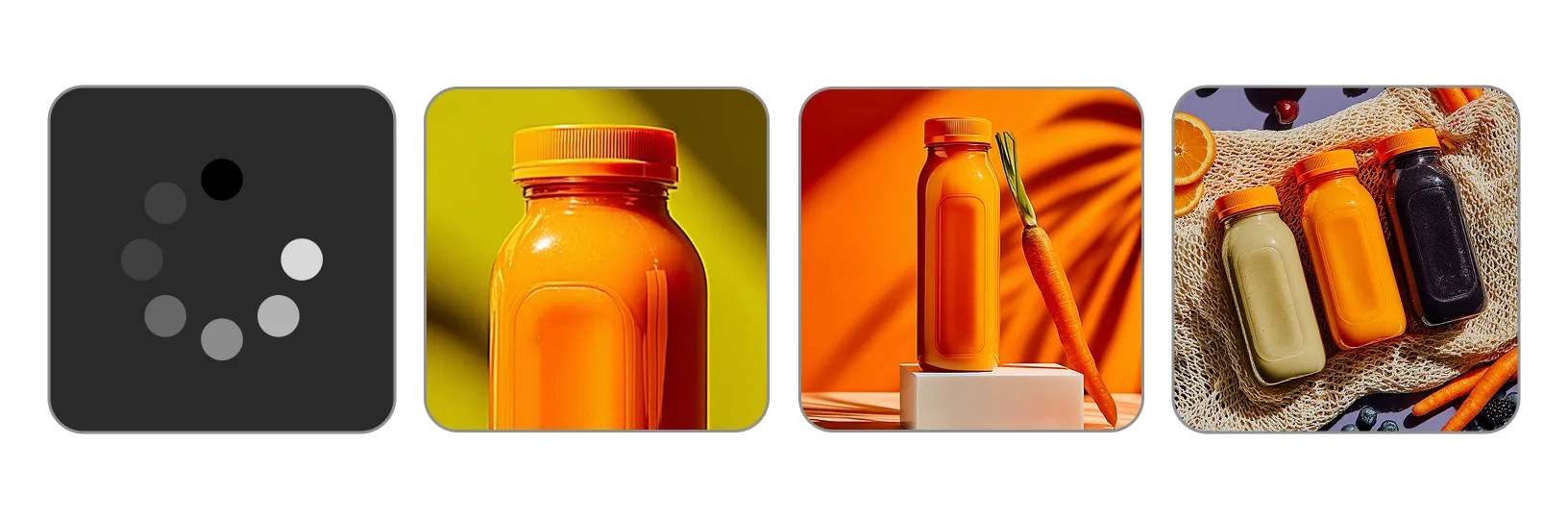
Add new creative into a live ad set
Manage media across
multiple Drives

When your creatives live across several Google Drives, share folders view-only and push to the right account.

Scentbird cuts media management time by 40%
“
A media manager working 40 hours a week can now cover the same ground with Stage in around 22”
Oleg Popov, Head of Performance Creatives Department

How it works


FAQ
What storage can I connect?
Google Drive and Google Sheets today — Drive for your creative, Sheets for your ad plan. More storage providers including Dropbox are planned.
What ad platforms does it work with?
Meta, TikTok and Snapchat. Paste Google Drive links or connect a Google Sheet for any of them: each sheet is set up for one platform, and its rows can carry texts, headlines, URLs, CTA, UTM parameters and ad names.
Which ad formats does Stage support?
Meta: single image and video ads, multi-advertiser and partnership ads, with Advantage+ creative, dynamic creative, multiple text variations and auto-grouping by placement. TikTok: single video ads, Smart+ campaigns included, with multiple text variations. Snapchat: single image and video ads, including lead generation, reminder and commercial ads, with attachments.
When should I use the Duplicate flow?
When you already have an ad set that's performing and want more of what works. Stage duplicates the proven setup — keeping targeting, budget, and placement — and lets you swap in new creative, so you're not rebuilding a winning setup by hand.
How do you map the columns from my Google Sheet?
Automatically. When you connect a sheet, Stage matches your columns to ad fields in a second or two, with no required header names. You can change any mapping later in Sheet settings.
Can Stage automatically detect that new creatives were added and push them live?
No, you stay in control of what goes live. Pick rows by range or by any column, like status, or paste links to newly uploaded media. Preview every ad and choose whether it launches active or paused. Nothing publishes on its own.
How is it different from bulk upload tools?
Bulk upload tools move files. Stage builds ads: from your planning sheet and Drive folders, on Meta, TikTok and Snapchat. Each row can set its own ad account, template ad, CTA, UTMs and ad name, and Stage checks every row before launch.
How many ads can I create at once?
Up to 1,000 sheet rows per run, and as many runs as you need. Your plan sets how many media files you can upload each month.
Can I connect multiple Google Drives?
Yes. All you need is to give Stage view-only access to each folder.
Can I create ads across multiple platforms and accounts at once?
Accounts, yes: in Row-by-row mode each row sets its own ad account, so one sheet launches into many accounts and campaigns in one run. Platforms, one at a time: each sheet is connected to one platform, so keep a sheet per platform.
What if my team doesn't plan in Google Sheets?
You don't need a sheet. Connect your Drive folders, then paste links to files or whole folders. Stage can create one ad set per folder and group sizes of the same creative into one ad.