At 3 a.m. a rule paused six ad sets. By the time you are at your desk the numbers have moved, the client has noticed, and the answer is somewhere in the rule log. You scroll.
That is the job Bïrch MCP does. Connect it to Claude, ChatGPT, Claude Code, or Codex, and your agent gets live access to your automation rules and your Stage data. You can ask it what happened overnight and why a rule made the call it made, have it audit what is actually running before a conflict costs money, and check what a rule can even see before you write a new one. When it finds dead weight, it can rename, disable, and refilter rules, with your confirmation on every change.
.png)
Find out what your rules did overnight
The morning check:
What did my rules do last night?
And when one decision needs explaining:
Why did rule X pause this ad set? Show the values it checked.
That second one takes your debugging to a new level. You get the condition values the rule evaluated at the moment it acted, rather than today's numbers, which have moved, or your reconstruction of them, which is a guess. Most arguments about whether a rule worked turn out to be arguments about which numbers it saw.
Audit the rules actually running
Nobody sits down and designs a coherent set of 40 rules. They accumulate, and a conflict between two of them is invisible while you are looking at one.
The full review:
Review all rules on my Meta account. Flag overlaps, contradictory actions, thresholds with no volume guard.
The quick version, worth running monthly:
Which of my rules never fire, and which act on almost every entity each run?
Three answers come back often enough to be worth naming.
🔴 A rule that never fires
🟢 Either the threshold is unreachable or the filter matches nothing. The filter is the better first check: an unreachable threshold is usually a decision someone made, an empty filter is usually a typo in a name pattern
🔴 A rule acting on almost every entity each run
🟢 The threshold is too loose to select anything. Either tighten it, or accept that it is a blanket action and rename it so the next person knows
🔴 Two rules with contradictory actions
🟢 One pauses what the other activates, and the ad set flips between states depending on when each rule runs. The back-and-forth is right there in the rule log once you know to ask for it
That last one is the case that costs money, and the reason the audit comes before any tuning: two rules that disagree do not settle on a compromise, and neither author intended the result. Our guide to automating Meta ads covers that failure alongside the other ways rules collide.
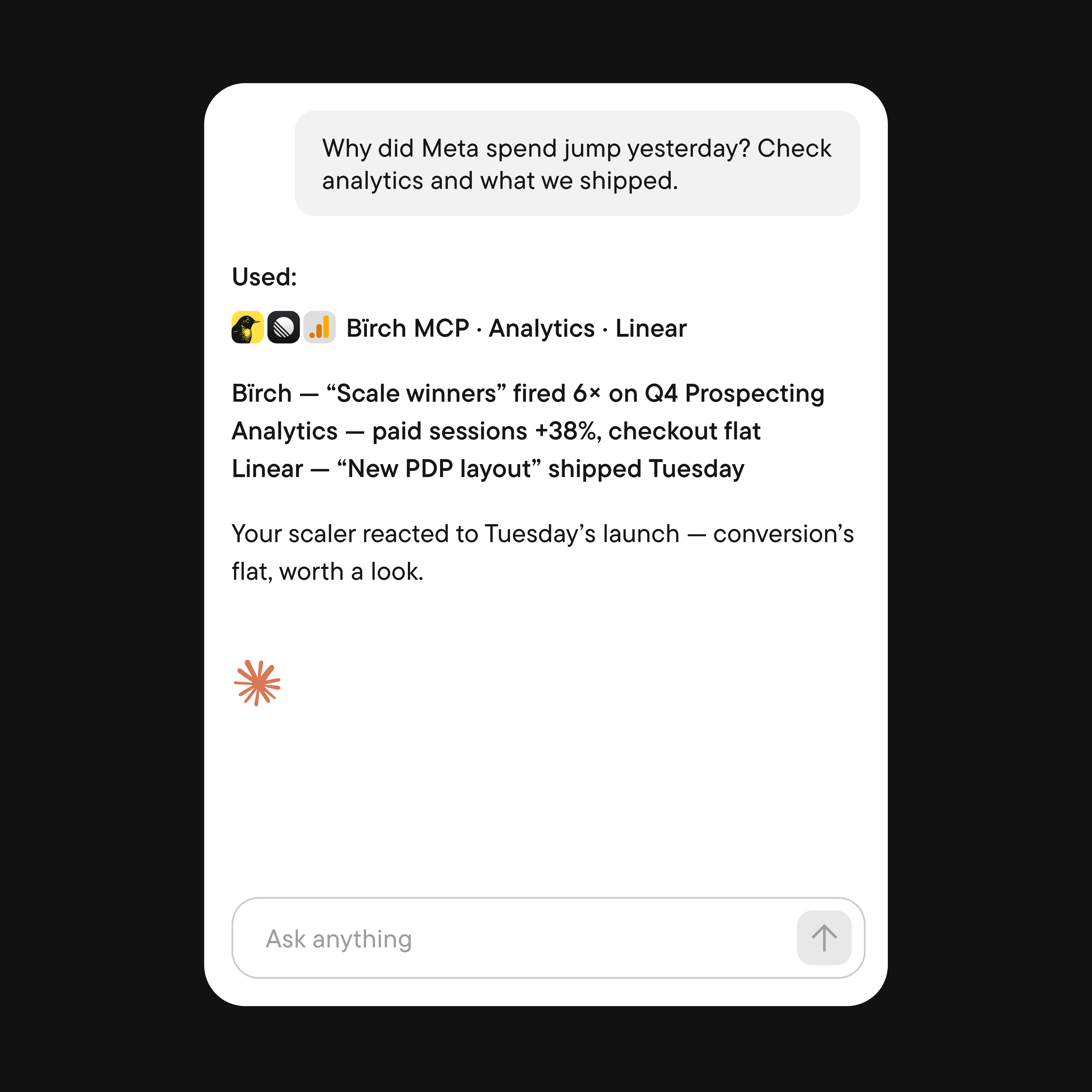
Check before you write another rule
To see the logic behind an existing rule and what it is missing:
What conditions is [rule name] checking, and where are the gaps in my setup?
To find out what a rule can measure on a given platform:
What metrics can I use for purchase cost on TikTok?
To find out what a rule can select:
What entity filters are available for a Meta ad set rule?
The last two are documentation questions, and the agent answers them by searching the Bïrch help center. They are worth asking because people write rules from the metrics they remember rather than the metrics that exist on the platform. Google is different enough to check separately: our Google Ads automation guide covers where the native engine and ours diverge.
Let the agent do the tidying
If your agent can manage rules as well as read them, on any platform, in any state, drafts and paused ones included, these prompts will be useful. The names and numbers come from our help center's examples, so they need to be replaced by your own.
The safest way in, because the agent lists first and acts only on what you confirm:
Find rules that have not fired in 30 days, list them, then disable the ones I confirm.
Bulk changes when an account's situation changes:
Disable every rule in the [Client A] folder on Meta while we pause the account.
Housekeeping that never gets prioritized:
Rename all rules in this folder to the [Client] [Action] [Metric] format.
Refiltering a rule without rebuilding it:
Make my Meta burnout rule only look at ad sets with "Prospecting" in the name and over 50 impressions in the last 7 days.
💡 If you connected Bïrch MCP before the write tools shipped, you do not have them: the agent keeps answering questions and stops short of doing anything. The fix is to go to Connectors, then Bïrch MCP, Disconnect, then Connect again, and grant write access when the consent screen asks.
Where to take the performance questions
If you want to compare your CPA, CPM, and CTR against your vertical's benchmarks, you can do that via Meta's own MCP server built into Bïrch AI, with nothing extra to set up. We walked through that whole diagnostic sequence in comparing your ads to industry benchmarks.
Prompts worth saving
Every prompt here comes from the use cases in our help center, so each one maps to something the integration is built to answer.
- Morning check. What did my rules do last night?
- Debugging a decision. Why did rule X pause this ad set? Show the values it checked.
- Rule activity. Which rule triggered the most in the last 7 days, and are any of my rules overlapping?
- Full audit. Review all rules on my Meta account. Flag overlaps, contradictory actions, thresholds with no volume guard.
- Rule logic and gaps. What conditions is [rule name] checking, and where are the gaps in my setup?
- Before writing a rule. What metrics can I use for [metric] on [platform]? What entity filters are available for a [platform] [level] rule?
- Peak activity windows. At what hour of the day do most automated rule changes happen?
- Stage volume. How many creatives were uploaded through Stage in the last 14 days?
- Cleanup. Find rules that have not fired in 30 days, list them, then disable the ones I confirm.