Hi, today I’ll show you how Workspaces in Birch help you stay organized and work with much more clarity.
Whether you’re managing multiple clients, brands, or specific projects, Workspaces let you split your Birch account into clear, focused environments where everything related to a single project lives in one place.
Inside each Workspace, you get a full control center for your ad accounts.
Overview
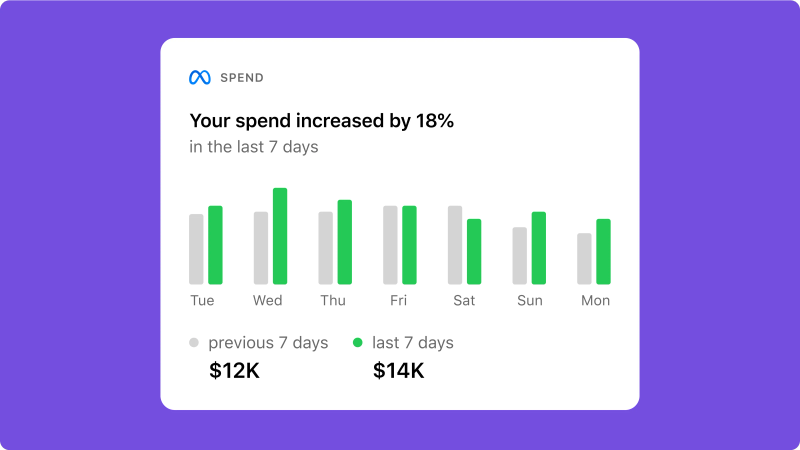
You start with the Overview, where you see your monthly budget, key KPI metrics, and performance insights across all connected ad accounts. This gives you a fast, high-level understanding of what’s working and where attention is needed.
To keep you ahead of the curve, you can set up notifications for significant or unusual changes, ensuring you’re alerted the moment performance shifts. You can also toggle between currencies with a single click, making it easy to report and analyze data in the format that suits your client best.
Hub
Next, let’s move to the Hub. The Hub is where you get more control over your data. It uses server-side tracking to give you more accurate conversion results. The Conversions API and Signals Pixel work together to make your data clearer and your performance easier to measure.
Performance
Now let’s go to Performance. This is where daily work happens. You automate, analyze, and launch campaigns - manage rules, create ads, reports, and custom metrics. Everything here is limited to the current Workspace, so your actions always apply to the right ad accounts.
Workspaces
The main value of Workspaces is focus and clarity. Each Workspace shows only the ad accounts, rules, reports, and assets related to a specific client or brand. Your view stays simple and relevant at all times.
How to set up Workspaces
Starting with the Default Workspace
Every Birch account starts with a Default Workspace, which you can rename and customize. From there, you can create additional Workspaces for different clients, brands, regions, or products - whatever structure works best for you.
Connecting Ad Accounts to Workspaces
Then you connect ad accounts directly to a newly created Workspace. One ad account belongs to one Workspace at a time. When an ad account is assigned to the workspace, it becomes active in Birch and is included in billing. When it’s removed, it’s fully disconnected.
Managing Team Access with Members
Finally, go to Members. Here you decide who gets access to each Workspace. This keeps information secure and ensures teammates only see what’s relevant to them, which is especially useful for agencies and multi-brand teams.
The Benefits of Using Workspaces
With Workspaces, your Birch account stays clean, structured, and easy to scale. Each client or project has its own space, your team works faster, and managing complexity becomes much simpler.
Now that you know how Workspaces work, create your first one and see how much easier managing clients, brands, and projects can be.