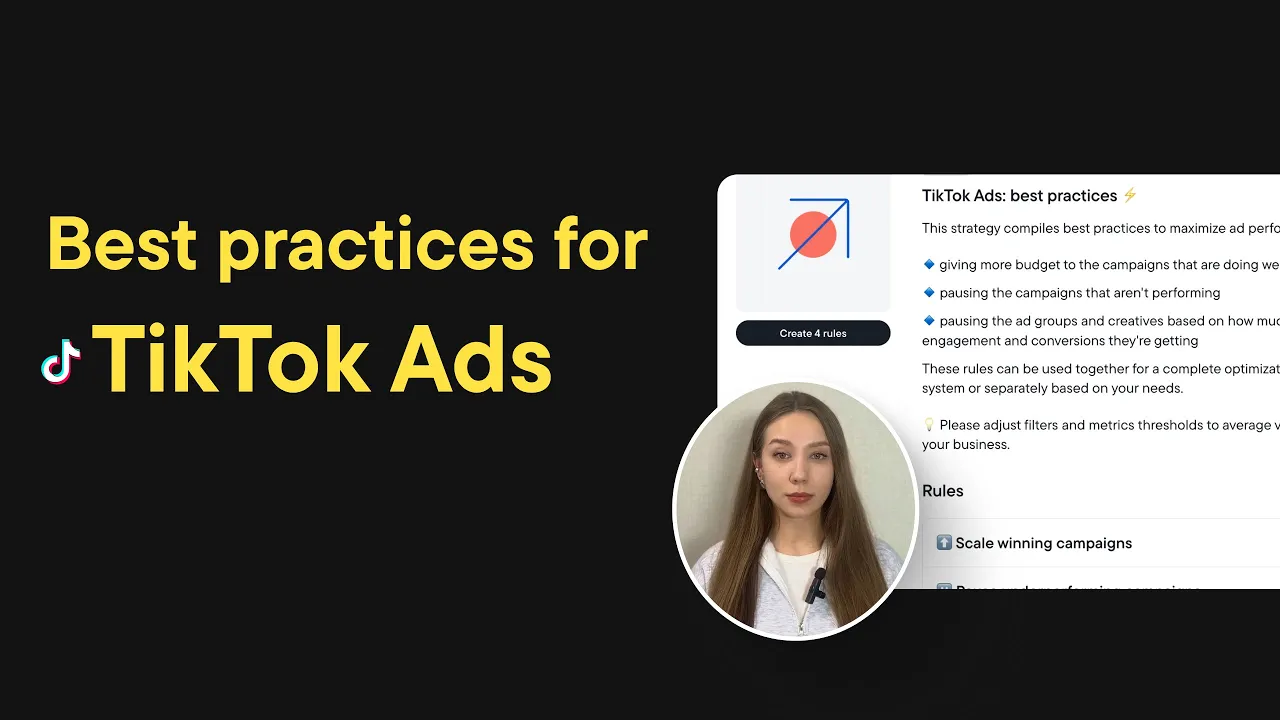
Hey everyone! In this video, I’m going to walk you through a set of best practices for maximising your ad performance on TikTok.
This strategy helps you get the most out of your budget by doing three key things:
- It gives more budget to campaigns that are performing well,
- Pauses campaigns and ad groups that are underperforming,
- And pauses ads that aren’t getting enough engagement or conversions.
You can use all the rules together as a full system, or just pick the ones that fit your current needs.
Let’s go through each rule step by step.
Rule 1: Scale winning campaigns
This rule automatically increases budget by 15% for campaigns that are doing well. The goal is to push more budget into what’s already working to maximize ROAS.
Here’s when the rule will trigger:
- ROAS in the last 7 days is above 2.5
- Total spend in the last 3 days is over $200
- And you’ve had at least 5 conversions in the last 3 days
If all these conditions are true, the campaign budget goes up by 15%, once per day.
Rule 2: Pause underperforming campaigns
This rule helps you stop wasting budget on campaigns that aren’t working.
It will pause a campaign if:
- ROAS in the last 7 days is less than 1.2
- Total spend in the last 3 days is over $500
- And you’ve had zero conversions in the last 3 days
Basically, if a campaign is spending money but not converting, this rule turns it off.
Rule 3: Pause underperforming ad groups
Sometimes the campaign is doing okay, but certain ad groups are pulling down performance.
This rule will pause an ad group if:
- CPA in the last 7 days is above $30
- Conversions in the last 7 days are less than 3
- And CTR in the last 3 days is below 0.8%
This rule will help you focus your budget on the ad groups that actually bring results.
Rule 4: Pause ads with low engagement or no conversions
Last but not least - this rule catches ads that are either being ignored or simply not converting.
It will pause an ad if:
- It got more than 10,000 impressions in the last 7 days and CTR is below 0.5% OR
- It has zero conversions in the last 3 days and it’s been live for more than 72 hours
This helps you avoid ad fatigue and keeps your creatives fresh.
These rules come with default filters and thresholds, but please make sure to adjust them to match the average performance of your business.
And that’s it! Click on the link in description to start your free trial and apply these automation to your accounts in just a few clicks.